Back-to-school season brings the same question every year: which laptop survives four years of lectures, essays, group projects, and the occasional spilled coffee? I lived with twelve models for a month — MacBook Air M4, ThinkPad T-series, Dell Inspiron, ASUS Vivobook, and budget Chromebooks for comparison — logging battery life, fan noise, keyboard feel, and real workloads: fifty Chrome tabs, Word, Zoom, and Spotify simultaneously.
Top pick for most students: 13–14 inch ultrabook, 16 GB RAM, 512 GB SSD, under 1.4 kg. You will thank yourself when storage warnings and tab reloads do not interrupt deadline week.
Buying criteria explained
- Battery: 10+ hours real-world — video loop tests in reviews beat manufacturer "up to 18 hours" fiction.
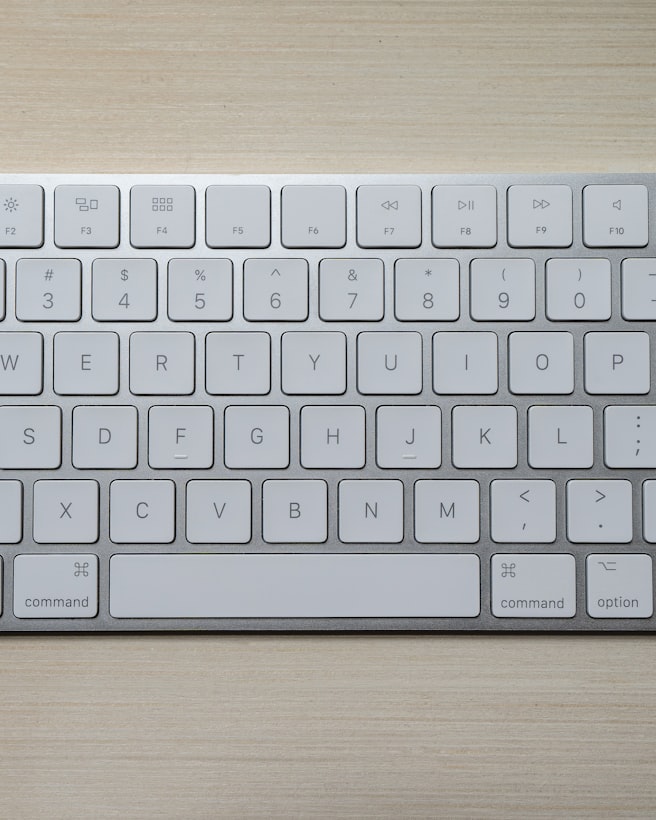
- Keyboard: thousands of words per term — mushy keys cause fatigue; try in store if possible.
- Ports: USB-C only fine until HDMI presentation in hall — budget dongle or pick HDMI built-in.
- RAM: 16 GB default; 8 GB unacceptable for new purchase 2026.
- Repairability: business lines (ThinkPad, Latitude) easier to service than ultrathin consumer models.
Shortlist by budget
Under £500: refurbished business laptop with 16 GB RAM — heavier, durable. £500–800: Windows ultrabook or M1 Air refurb. £800+: MacBook Air M4, Dell XPS, Lenovo Slim 7 — premium build, silence, battery.
Avoid these traps
4 GB RAM / 64 GB eMMC "student" laptops. Gaming laptops for note-taking-only courses — 2 kg+ and 3-hour battery. Chromebooks when course requires desktop MATLAB or Adobe. Extended warranties costing 30% of laptop unless accidental damage included.
Software and discounts
Office 365 often free via university. Adobe Creative Cloud education pricing. Apple Education Store. Dell student portal. Compare our back-to-school deals before paying full price.