Building your first PC is part shopping list, part careful assembly. The hardest part is choosing compatible parts — plugging things in follows a logical order and rarely requires more than a Phillips screwdriver and patience.
Planning the parts list
Use PCPartPicker for compatibility flags. CPU socket must match motherboard (AM5, LGA1700, etc.). RAM type DDR4 vs DDR5 locked by motherboard. GPU length vs case clearance. PSU wattage: GPU TDP + CPU + 150 W headroom minimum. Case airflow — mesh front panel beats RGB glass furnace.
Assembly order
- Install CPU, RAM, and M.2 SSD on motherboard on box (static-safe surface).
- Install CPU cooler per manual — thermal paste pre-applied on many coolers.
- Mount motherboard in case with standoffs aligned.
- Install PSU, route cables behind motherboard tray.
- Connect 24-pin, CPU 8-pin, front panel headers (manual diagram critical).
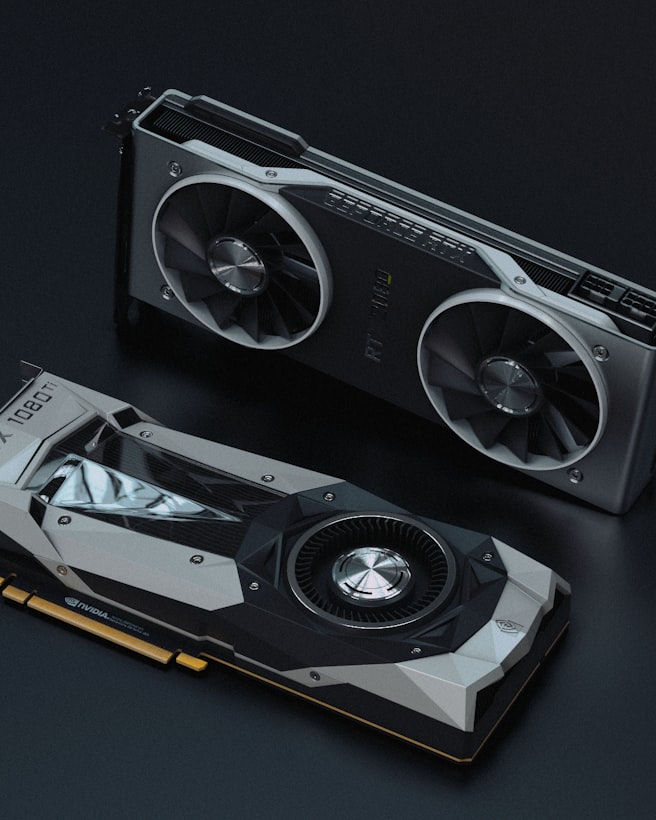
- Install GPU in top PCIe x16 slot; connect PCIe power cables.
- Case fans — intake front, exhaust rear/top.
First boot and BIOS
One RAM stick and no GPU if troubleshooting no POST. If debug LEDs blink, check manual codes. Update BIOS from USB before Windows if CPU generation needs newer microcode. Enable XMP/EXPO for RAM rated speed — otherwise runs slow JEDEC defaults.
Windows and drivers
Install from Microsoft USB tool. Windows Update first. AMD Chipset or Intel ME drivers. GPU drivers direct from NVIDIA/AMD. Do not install random driver updater utilities.
Common first-timer mistakes
Forgetting motherboard standoffs. CPU power cable not fully seated. GPU in wrong slot. Building on carpet without anti-static awareness. Buying RGB fans before case that fits them.