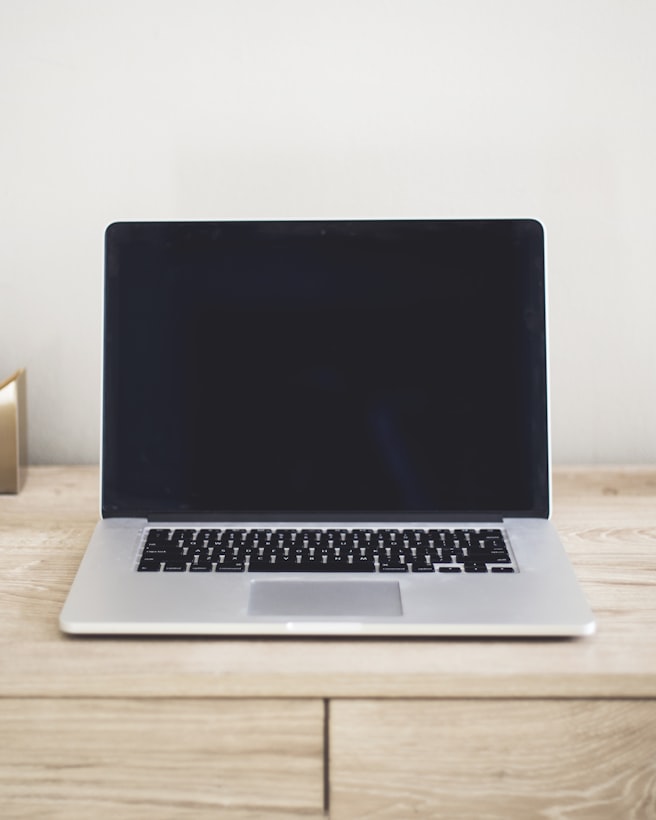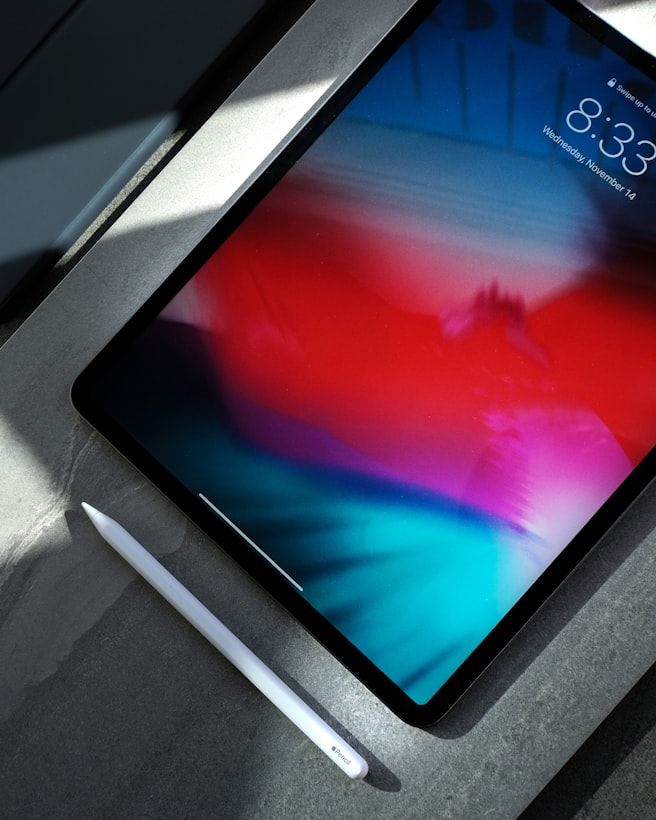
Tablets have grown up; laptops have not stood still. The right choice depends on what "work" means — creative sketching favours tablets with pens; heavy Excel, legacy Windows apps, and serious multitasking still favour laptops.
Tablet strengths
- Stylus note-taking in meetings (iPad + Pencil, Surface Pro).
- Reading and annotating PDFs and papers.
- Travel days with email, calendar, light browsing.
- Photo editing on iPad Pro with Apple Pencil retouching.
- Instant-on and long standby — pick up and resume fast.
Laptop strengths
- Full desktop browser with extensions and multiple windows.
- Excel pivot tables, macros, and large spreadsheets.
- Specialist software (CAD, accounting, local databases).
- Video editing beyond quick trims — DaVinci, Premiere, Final Cut.
- Connecting to corporate VPN and legacy USB peripherals.
The hybrid middle ground
2-in-1 laptops (Surface Laptop Studio, Yoga) and iPad Pro with Magic Keyboard blur lines. Keyboard case transforms tablet into "almost laptop" — trackpad quality and app limitations still matter. For most office workers, 13-inch laptop primary beats tablet-only.
Cost reality
iPad Pro + Pencil + Keyboard often costs more than MacBook Air with fewer desktop apps. Surface Pro needs Type Cover + Pen — budget all-in. Android tablets lack desktop-class apps for many workflows.
My recommendation
One laptop for primary work. Add tablet later if you take many handwritten notes or read papers daily. Phone + laptop covers 90% of people — tablet is optimisation, not requirement.